What these guides cover
Two hardware families, one set of instructions each.
SeenLabs runs two kinds of screens: displays that stay in one place — wall-mounted panels, table tents, window units — and LED signs that ride on the roof of a vehicle. The guides are split the same way, so you only read what applies to the hardware in front of you.
- Install and wire the device, and mount it safely.
- Connect it to the network and bind it to the content system.
- Schedule content and check that screens are online and playing.
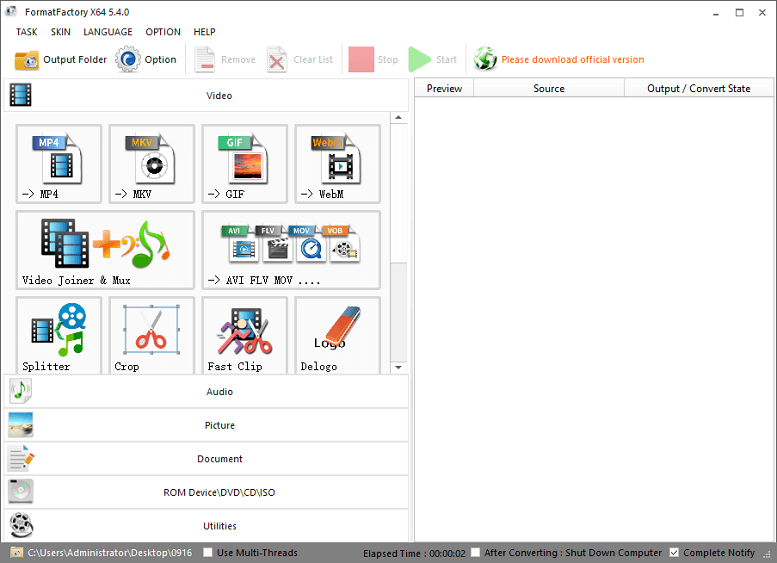
- Prepare files in a format the player will actually accept.
- Diagnose common faults without waiting for a service visit.
Where they fit in a rollout
Three moments, three sets of pages.
- Install. Installers follow the mounting and wiring steps on site while someone at the office sets up groups and users in the content system.
- Daily operation. Whoever runs the network uses the CMS guides to upload media, publish campaigns and check which screens are online.
- Support and scale-up. The troubleshooting sections cover most faults locally. Anything left over comes to us.
If you need a playbook written around your own sites, fleet or approval process, we can build it from these pages — ask us.
Displays on site
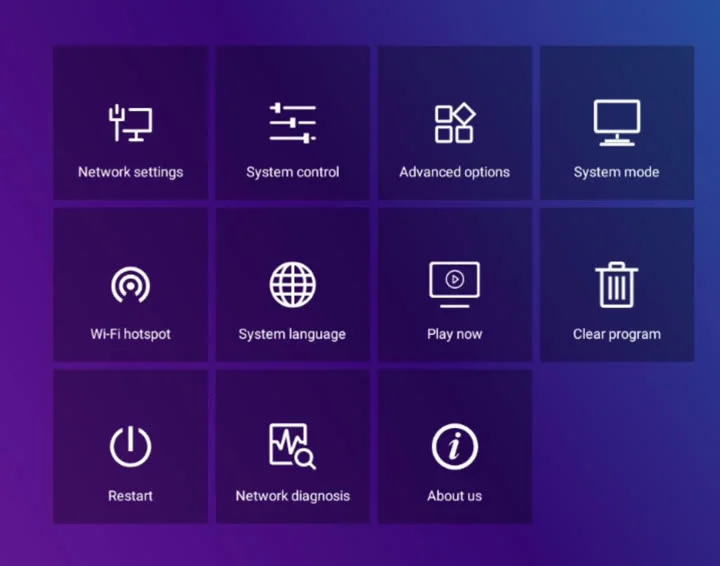
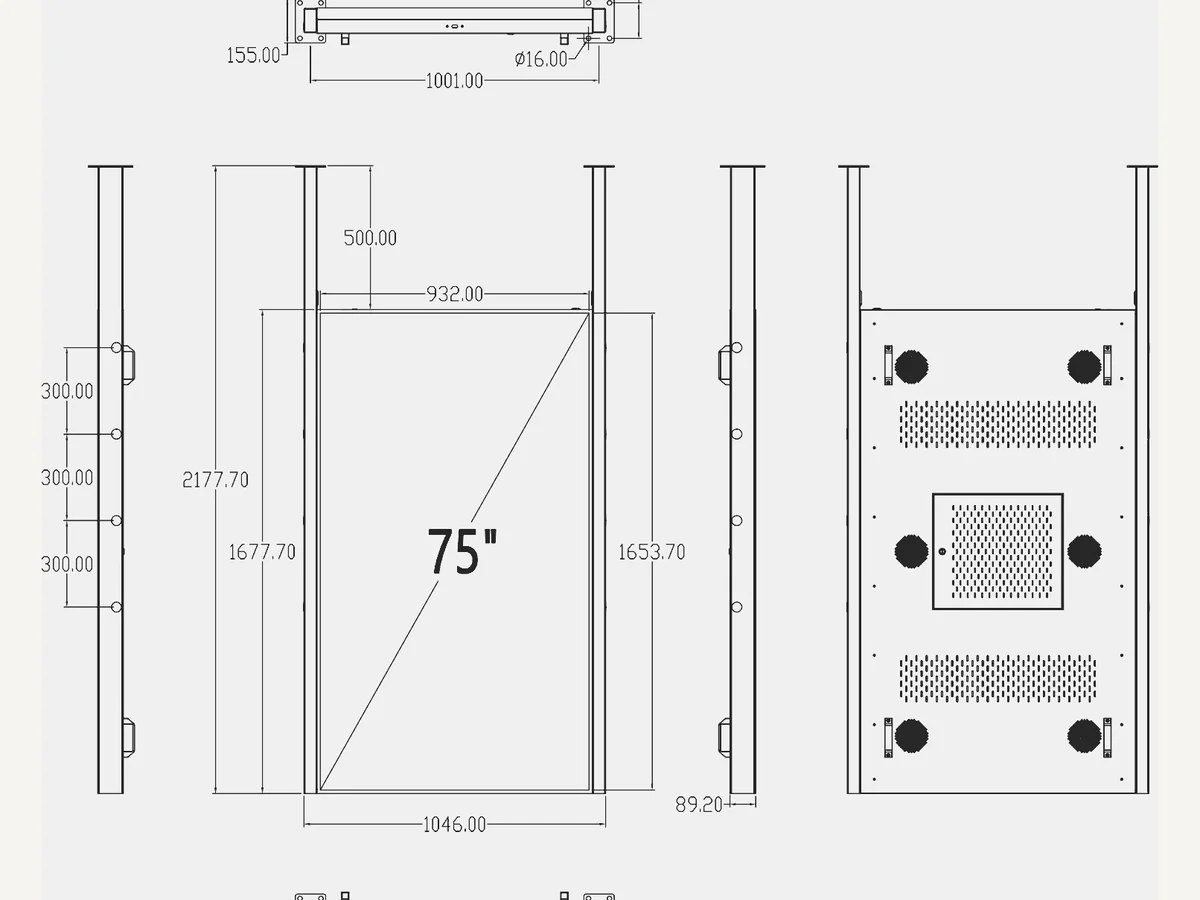
Screens that stay in one building: wall-mounted panels, table tents, window units.
Car rooftop LED
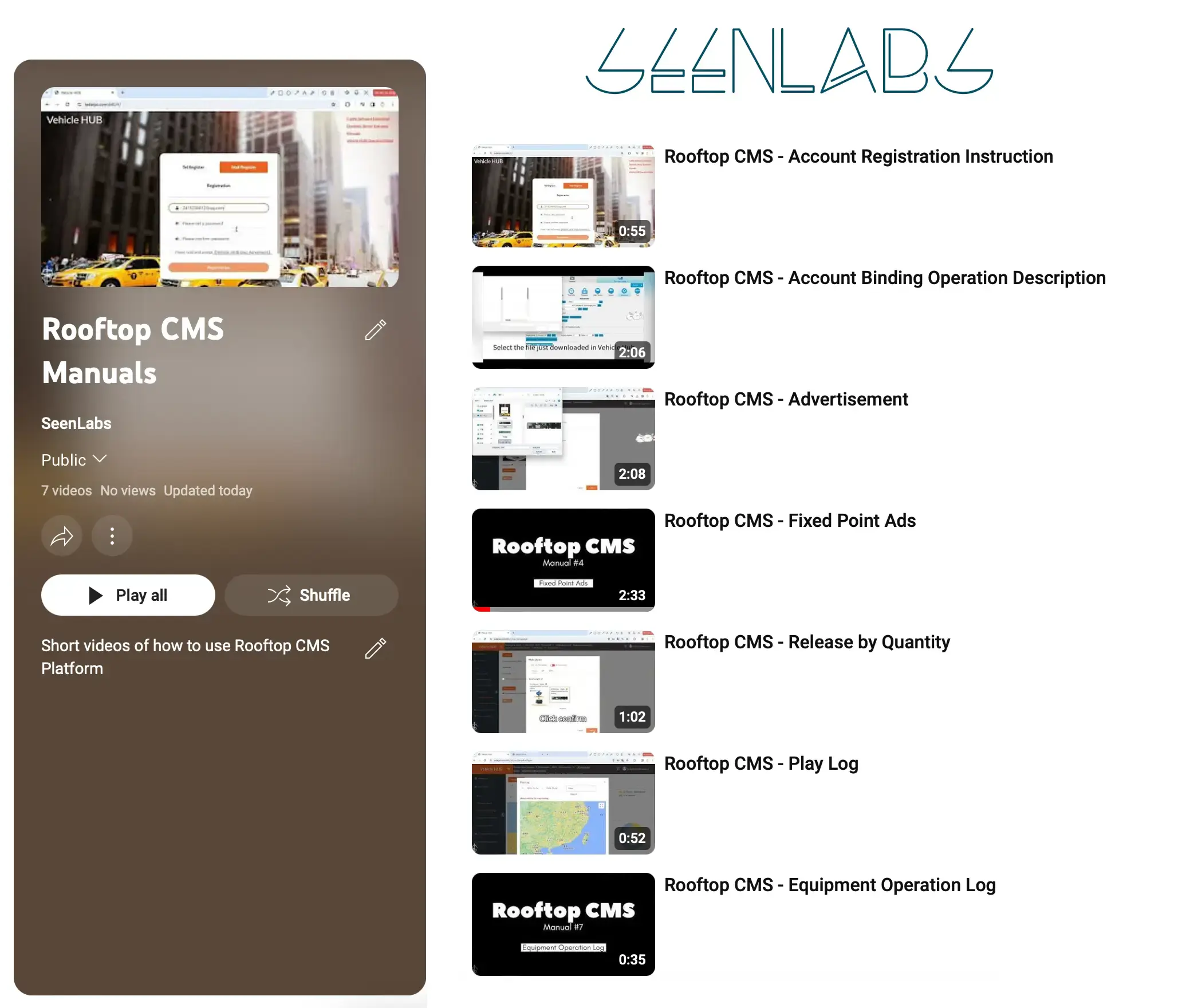
Four guides that belong together. Read them in this order the first time you set up a vehicle.
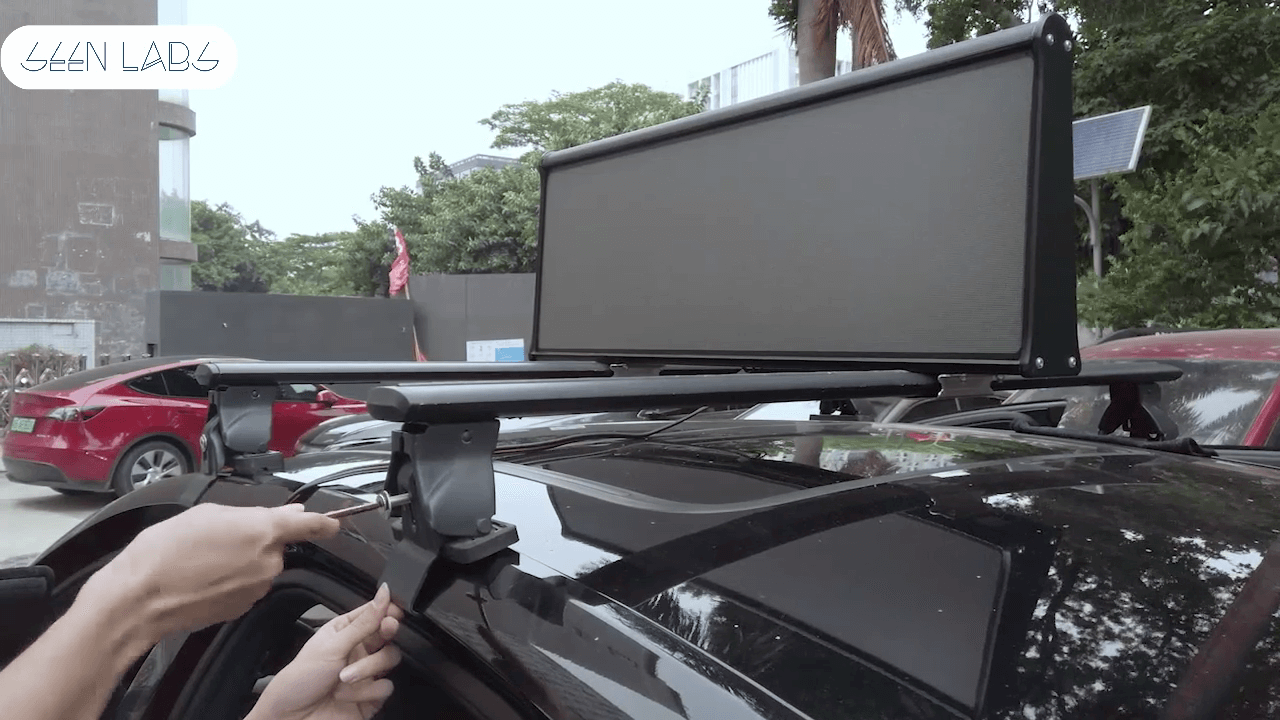
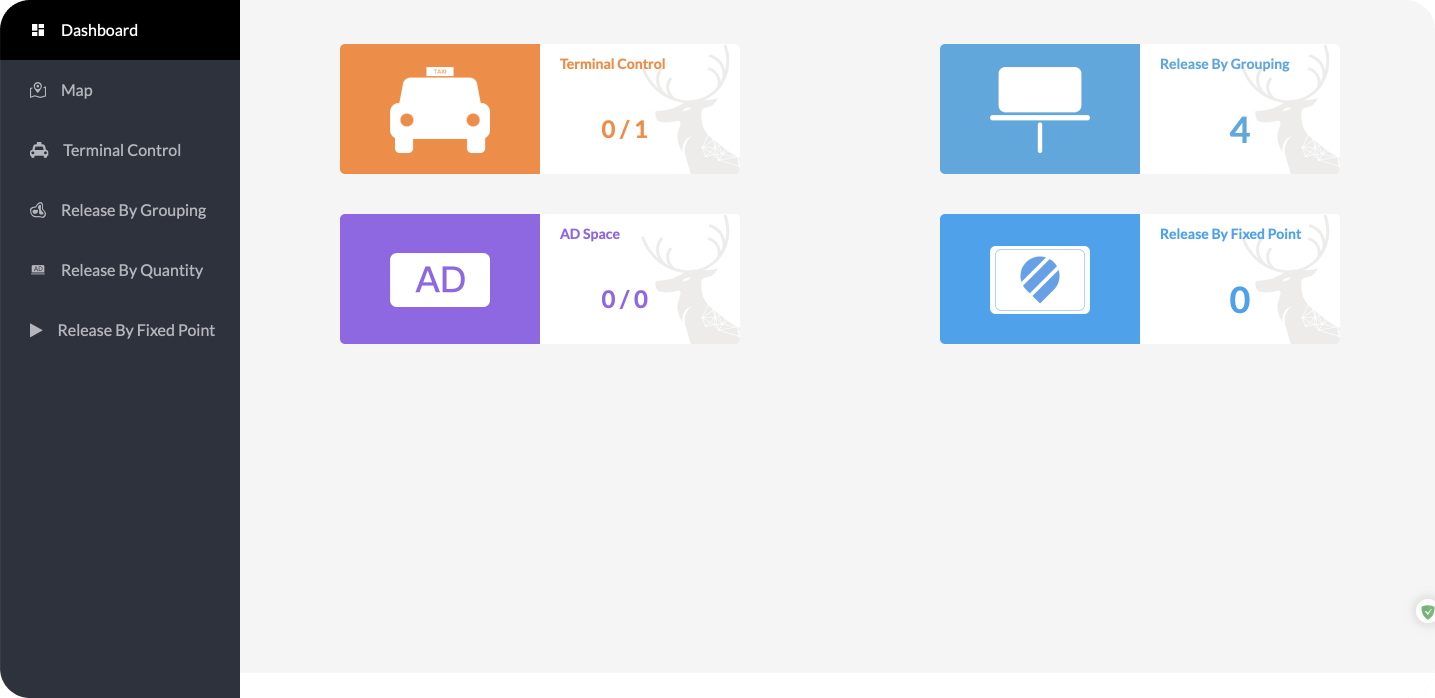
The rooftop sign is an LED screen with its own controller and a 4G SIM. It is installed on the car, bound to the fleet platform at vehhub.top, and from then on it is managed remotely — ads, brightness, screen on/off hours and play logs. See the product page for the hardware itself.
Documentation FAQ
Who are these guides written for?
Installers, site managers, fleet owners and partners who work on live screens. They assume you have the hardware in hand and want to finish the task, not read background material.
Which products do they cover?
Indoor and on-site displays — wall-mounted panels, table tents and window units — and the car rooftop LED sign with its fleet platform. Each guide names the hardware it applies to at the top.
Do they apply outside the United States?
Yes. The hardware and the platform work the same anywhere. What changes locally is the mains plug, the mobile carrier and the APN for the rooftop SIM, and any local rules on vehicle signage. SeenLabs operates from Glendale, California and supports deployments across the US and selected international markets.
What if a guide does not solve it?
Email we@seenlabs.com with a photo or short video of what the screen is doing, plus the device or vehicle ID. That is usually enough to diagnose it on the first reply. If you would rather not run the network yourself, we also operate it for you — see managed signage.
Can't find the right guide?
Tell us the hardware and what it is doing. We'll point you at the page, or write the missing one.